
Dos and Don'ts for Writing Good AI Prompts in Mailzzy
Last updated on May 18, 2026
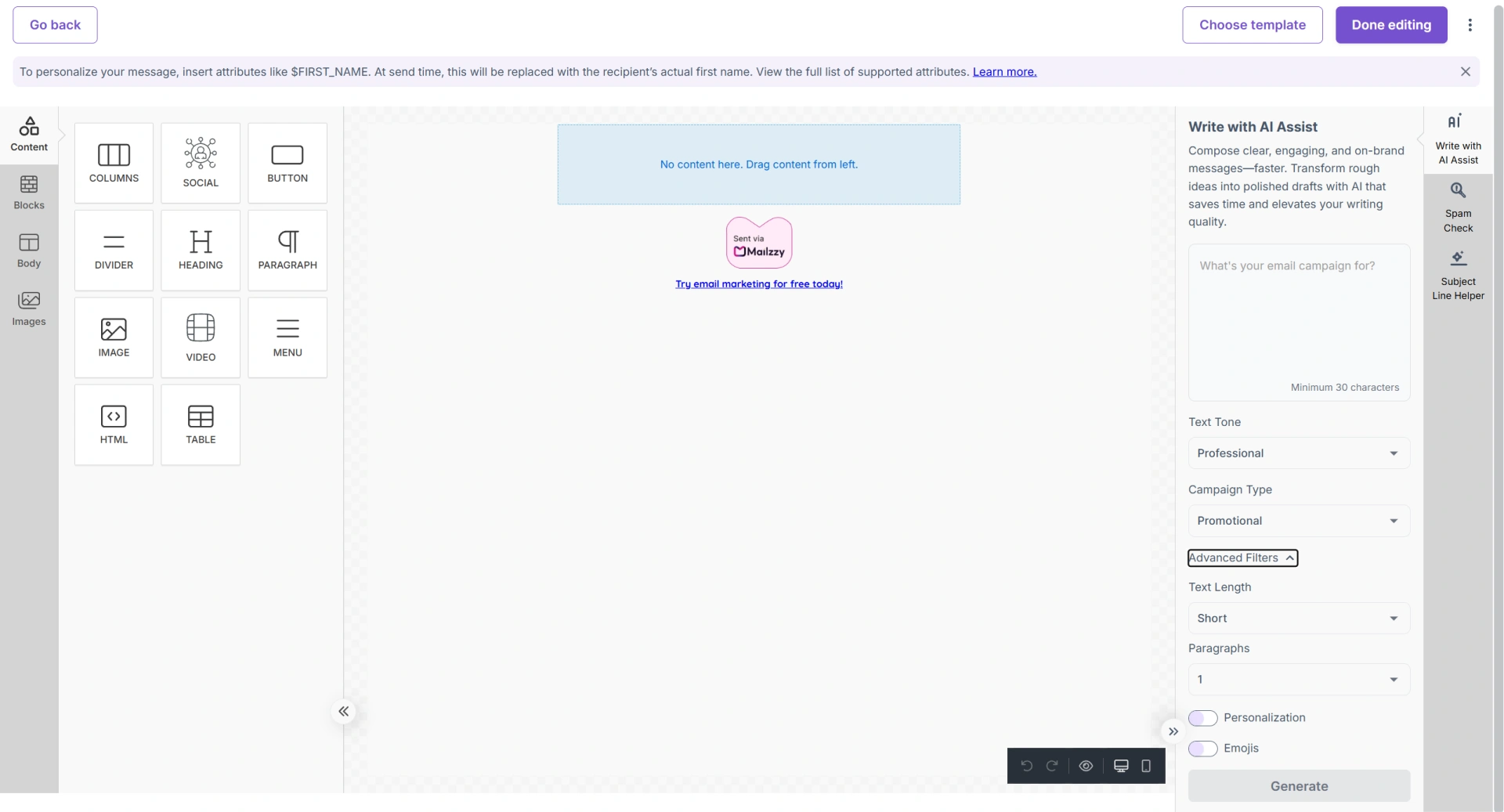
Mailzzy's AI tools — AI Assist for email body content and the AI Subject Line Helper — produce much better output when given clear, specific prompts. The quality of what you ask for directly shapes the quality of what you receive. This guide covers the practical habits that make your AI prompts work harder.
What Makes a Prompt Work
A prompt is the instruction you give to the AI. Vague prompts produce generic, lightly useful output. Specific prompts — ones that describe your goal, audience, tone, and key details — produce content that is closer to ready-to-send. The difference is not complicated: it is just about being deliberate.
Dos
- Be specific about what you want the email to achieve — "Write a re-engagement email for subscribers who have not opened in 60 days, offering 5% off their next order" is far more productive than "write a promotional email".
- Describe your audience — Tell the AI who the email is going to. "Our subscribers are freelance designers aged 25–40" gives context that shapes tone, vocabulary, and content.
- Specify tone using the available filters — Use the tone selector (Professional, Friendly, Casual, Bold) and reinforce it in your prompt if needed.
- Include key details in your prompt — Discount amounts, product names, dates, and specific offers should appear in your prompt if they must appear in the output.
- Paste your email body when generating subject lines — Giving the subject line AI your full email content produces far more aligned and relevant options.
- Iterate if the first output is not right — Refine your prompt and generate it again. Each attempt gets you closer to the result you need.
Don'ts
- Do not use one-word or very short prompts — "Newsletter" gives the AI almost nothing to work with and produces generic output that requires extensive editing.
- Do not expect the AI to know your brand history — The AI has no access to your past campaigns, brand guidelines, or internal voice. Include any relevant brand context in your prompt.
- Do not skip the review step — Always read and edit AI-generated content before sending. Check for accuracy, verify any facts or figures, and adjust the voice.
- Do not use AI-generated subject lines without testing — Run an A/B test using Mailzzy's built-in testing feature to compare options rather than simply guessing which will perform better.
- Do not rely on AI for specific figures or dates — If your email includes a specific discount, deadline, or event date, enter these details manually. Verify all factual claims yourself.


Let's keep in touch
Sign up for our weekly email marketing newsletter and Mailzzy updates.
For more details, review our Privacy Policy


© 2026 Mailzzy. All rights reserved.

