
How to Use the AI Subject Line Helper
Last updated on May 18, 2026
Your subject line determines whether your email gets opened or scrolled past. Mailzzy's AI Subject Line Helper generates high-quality subject line options in seconds — tailored to your email content, tone, and audience — so you spend less time brainstorming and more time connecting with your subscribers.
Finding the AI Subject Line Helper
The AI Subject Line Helper is available in the Subject step of campaign creation. Look for the AI Helper or Generate with AI button next to the subject line input field and click it to open the tool.
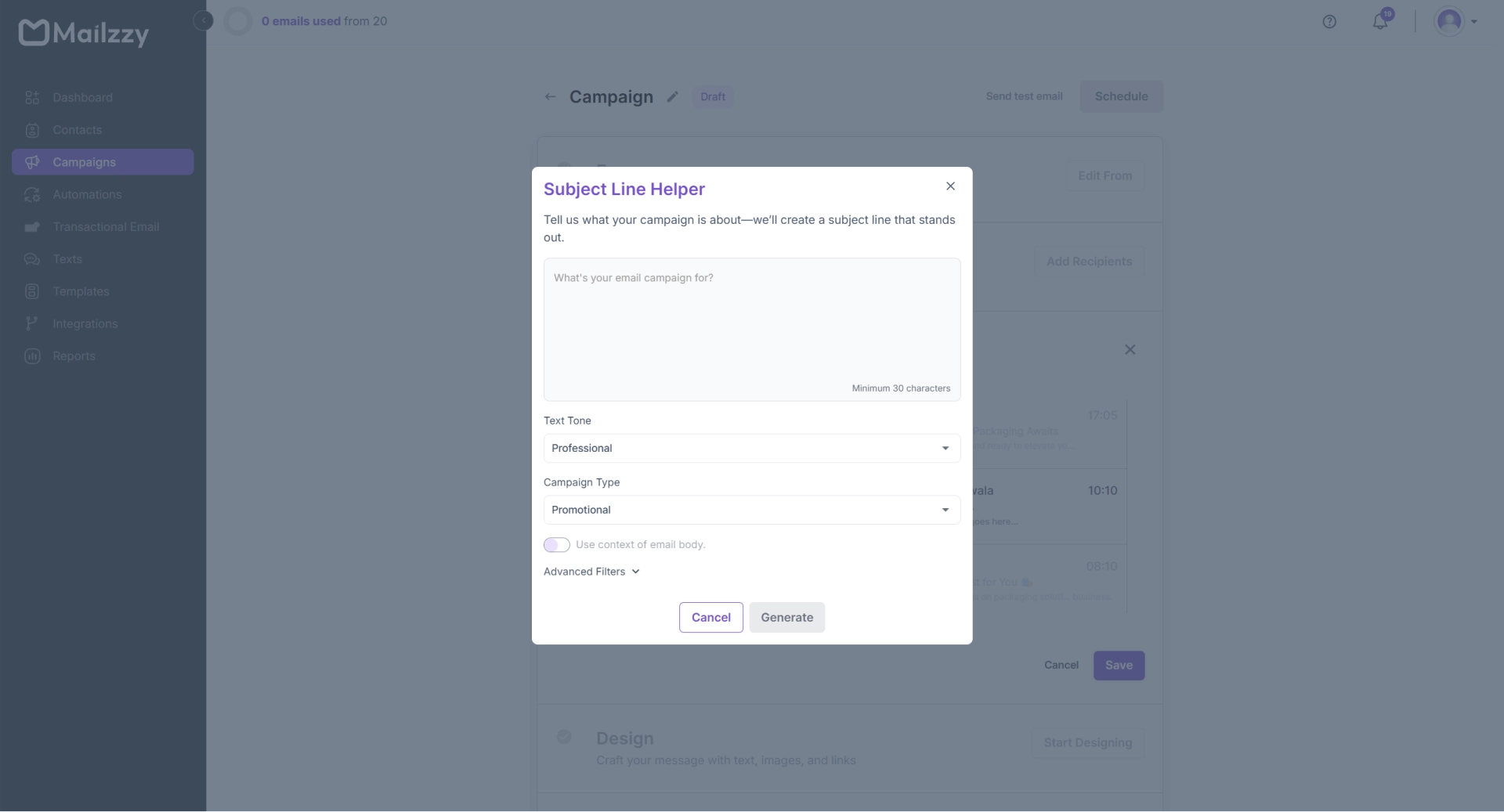
Two Generation Modes
Automatic Mode — Design or paste your email into the editor. The AI analyses the content and tone and produces three ready-to-use subject line options. No other input is needed.
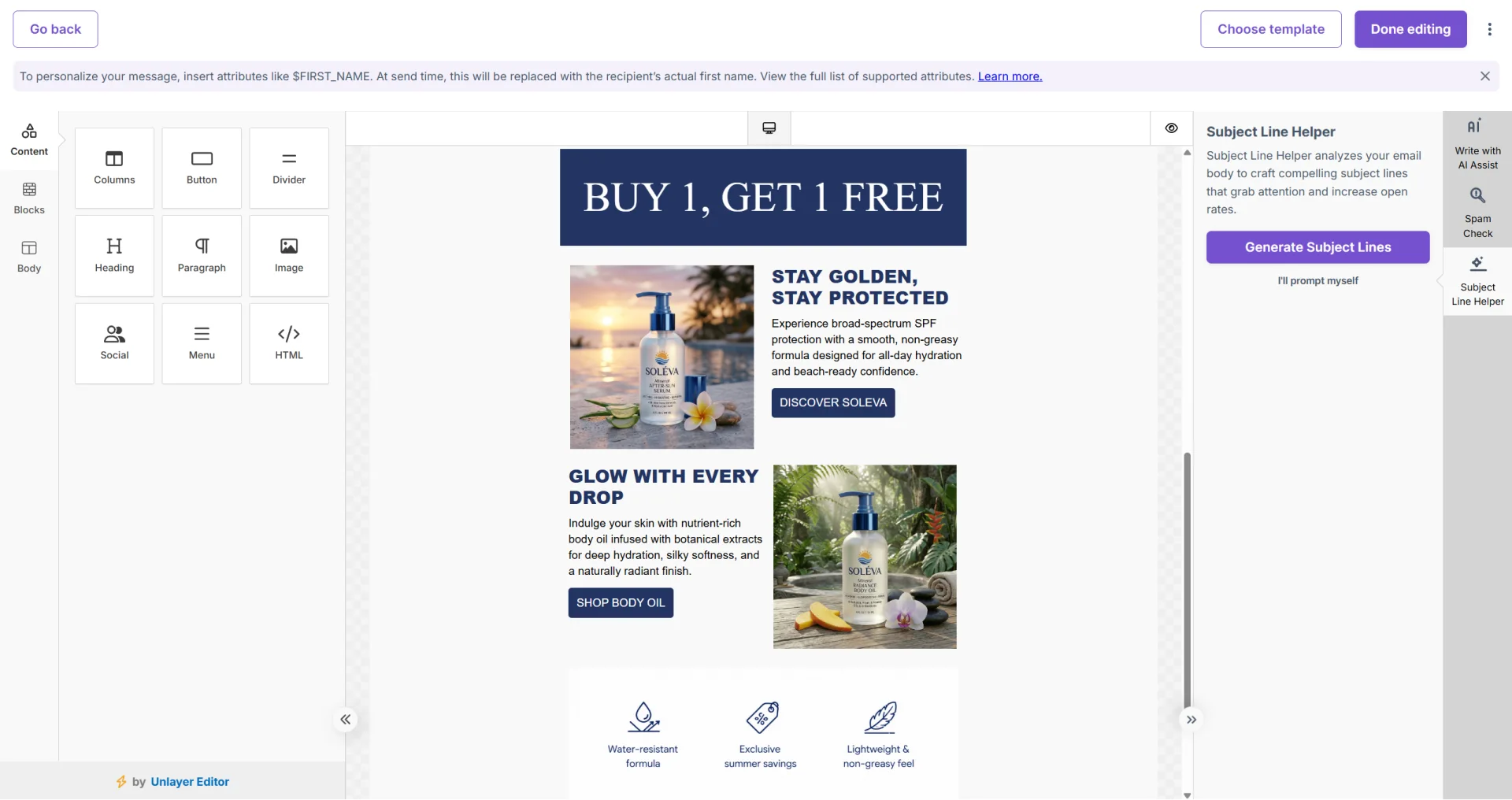
Custom Prompt Mode — Provide your own instruction and refine the output using these filters:
- Text Tone — Friendly, Professional, Casual, or Promotional
- Campaign Type — Newsletter, Product Launch, Promotional, and others
- Personalization — Enable to include contact name tokens such as $FIRST_NAME
- Emojis — Toggle on for a more expressive subject line or off for a clean, professional look
- Email Body — Optional in custom mode, but including it improves relevance
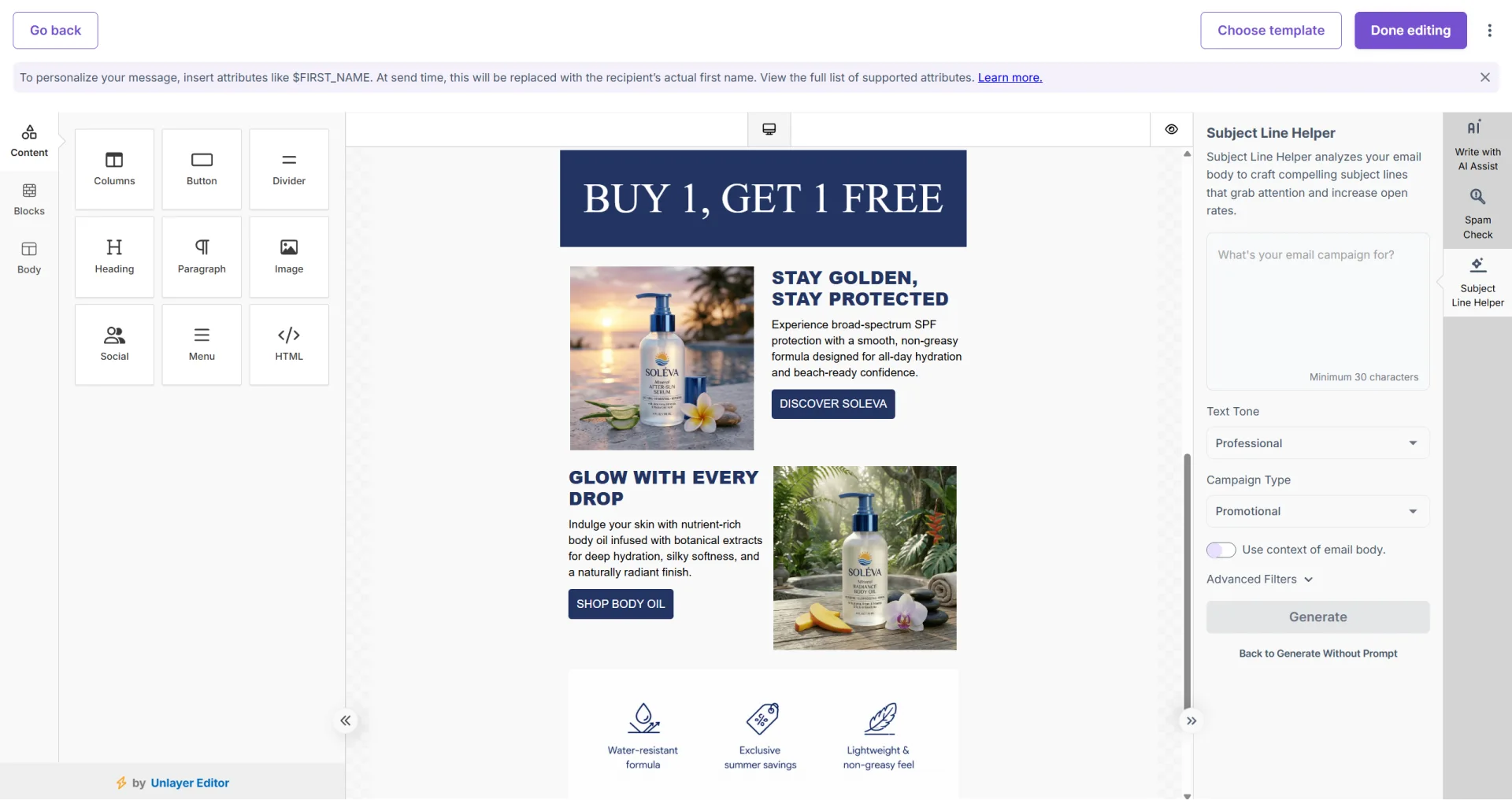
Applying a Generated Subject Line
- Review the options presented — you will usually receive three.
- Click or copy your preferred option to apply it to the subject line field.
- Edit it further if needed — the AI output is a starting point, not a final decision.
Getting the Best Results
- In custom prompt mode, clearly describe what the email campaign is about and your intended goal. For example, “subject line for a re-engagement campaign targeting subscribers inactive for 60 days” will generate more relevant suggestions than a generic prompt like “email subject line.”
- Include your email body in automatic mode — providing more context helps generate more accurate and relevant subject line suggestions.
- Test multiple generated subject lines using Mailzzy’s A/B testing feature to identify which version performs best with your audience.


Let's keep in touch
Sign up for our weekly email marketing newsletter and Mailzzy updates.
For more details, review our Privacy Policy


© 2026 Mailzzy. All rights reserved.

