
How to Use and Manage Email Templates
Last updated on May 15, 2026
Templates save you from building your email layout from scratch with every campaign. In Mailzzy, you can use pre-designed templates from the library or save your own layouts to reuse across future campaigns. Both approaches keep your emails looking professional and consistent without duplicating effort.
Using a Pre-Designed Template
- Start a new campaign and proceed to the Start Design step.
- Click Choose a Template in the email editor.
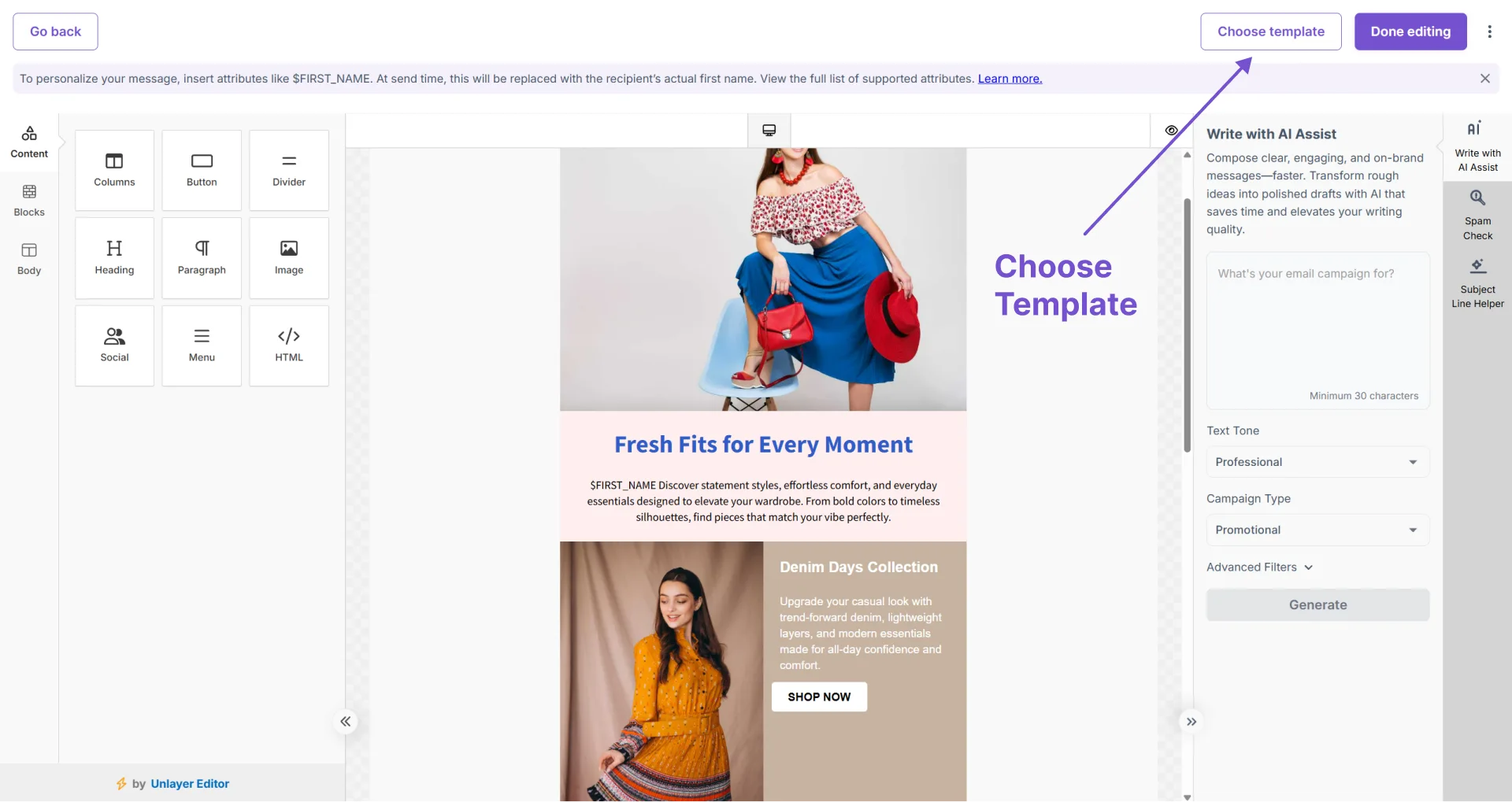
- Browse the template library and click any option to preview it.
- Click Use This Template to apply it.
- Edit all placeholder text, images, colours, and links to match your campaign content.
Saving a Design as Your Own Template
- Design your email in the editor — either from scratch or by heavily customizing a pre-designed template.
- Give it a clear, descriptive name — for example: "Newsletter — 2-Column" or "Promo — Product Feature".
- Click Save. The template is now available in your library for all future campaigns.
Managing Your Template Library
Access your saved templates from the Templates section in the left navigation sidebar. From here you can:
- Preview any template before applying it to a campaign
- Rename templates to keep the library organized as it grows
- Edit a template to update your standard branding or layout
- Delete templates you no longer need
- Create new templates for future campaigns
Template Strategy Tips
- Create purpose-specific templates — A separate template for newsletters, promotions, and event invitations helps you start each campaign type quickly.
- Update templates when your branding changes — Keeping templates current means you do not need to make the same update across each individual campaign.


Let's keep in touch
Sign up for our weekly email marketing newsletter and Mailzzy updates.
For more details, review our Privacy Policy


© 2026 Mailzzy. All rights reserved.

