
How to Send Mass Emails with Mailzzy
Last updated on May 15, 2026
Mass mailing lets you send a single campaign to a large number of recipients in one coordinated action. Whether you are reaching 500 people or 500,000, Mailzzy handles the distribution reliably while maintaining the deliverability standards your sender reputation depends on.
What Mass Mailing Means in Practice
Rather than sending emails individually or in small batches manually, mass mailing lets you build one campaign, select your entire list or any large group, and send to everyone in a single action. Mailzzy manages everything else — the routing, batching, delivery optimization, and tracking.
How to Send a Mass Email
- Go to Campaigns and click Create Campaign.
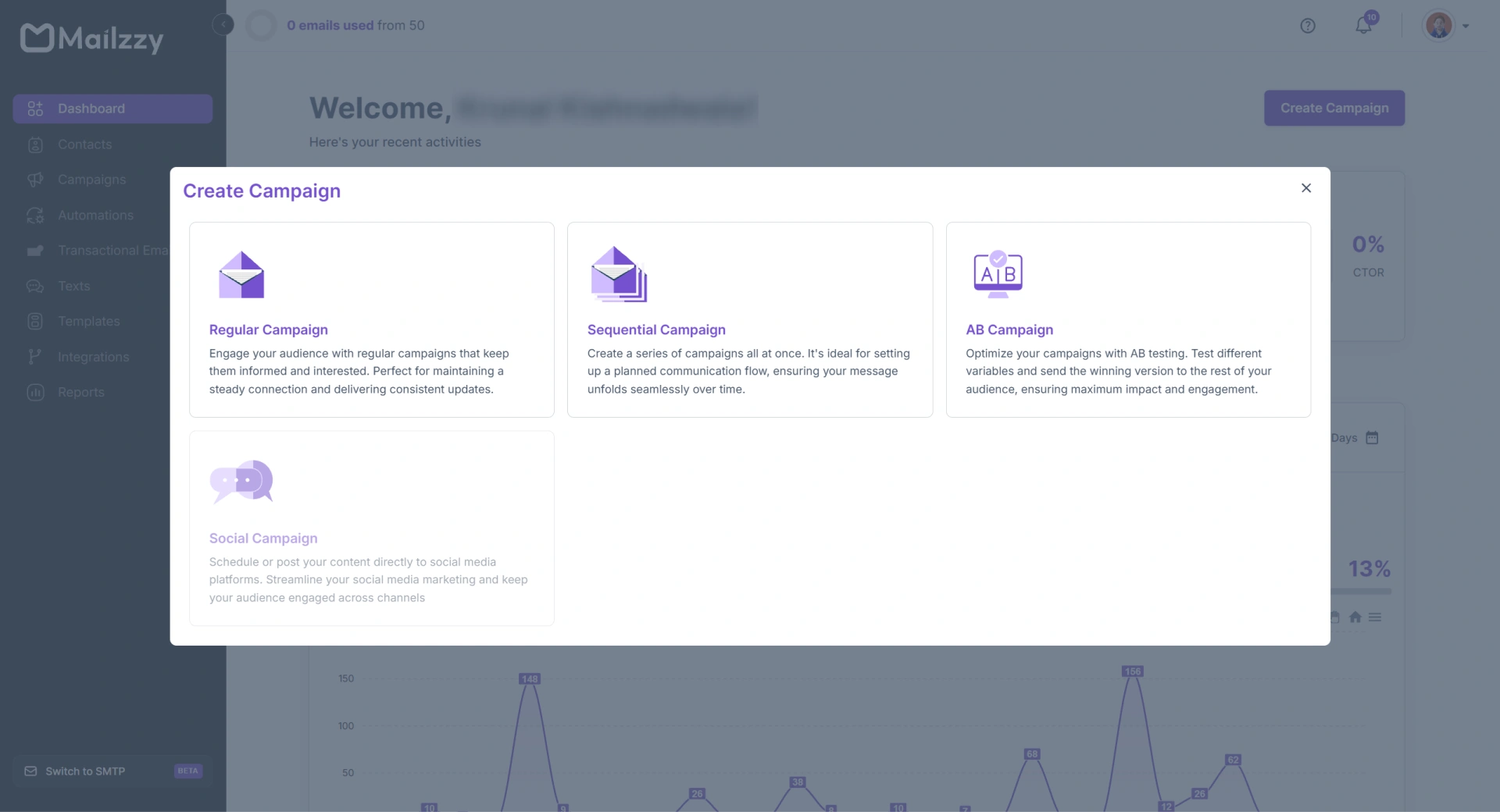
- Name your campaign and click Create Campaign.
- Complete the From and Subject steps.
- In the Recipients step, select your full contact list or all relevant groups.
- Design your email in the editor or choose a template.
- Run the spam detection check to confirm your content is optimized.
- Select Send Now or Schedule for Later and confirm.
How Mailzzy Manages Large Volume Delivery
When your campaign goes out to a large list, Mailzzy automatically manages the delivery process behind the scenes. This includes applying email throttling — staggering batches over time to stay within ISP rate limits — and optimizing routing to maximize inbox placement.
Note: For very high-volume sends, ensure your sending domain is fully authenticated and your IP address is warmed up before launching. Sending large volumes from a cold or unauthenticated domain is the leading cause of deliverability failures.
Mass Mailing Best Practices
- Send only to opted-in contacts — unsolicited bulk email violates Mailzzy's acceptable use policy and damages your sender reputation
- Clean your list before each large send to remove hard bounces, unsubscribes, and addresses that have not engaged in the past 6 months
- Run the spam detection check on every campaign before sending
- Send a test email to yourself first to confirm everything looks correct at scale


Let's keep in touch
Sign up for our weekly email marketing newsletter and Mailzzy updates.
For more details, review our Privacy Policy


© 2026 Mailzzy. All rights reserved.

