
Let Subscribers Choose What They Hear About
Give your audience a simple page to manage their subscriptions, so they stay subscribed to the emails they care about instead of leaving your list.
The Right Preference Center for Every Campaign
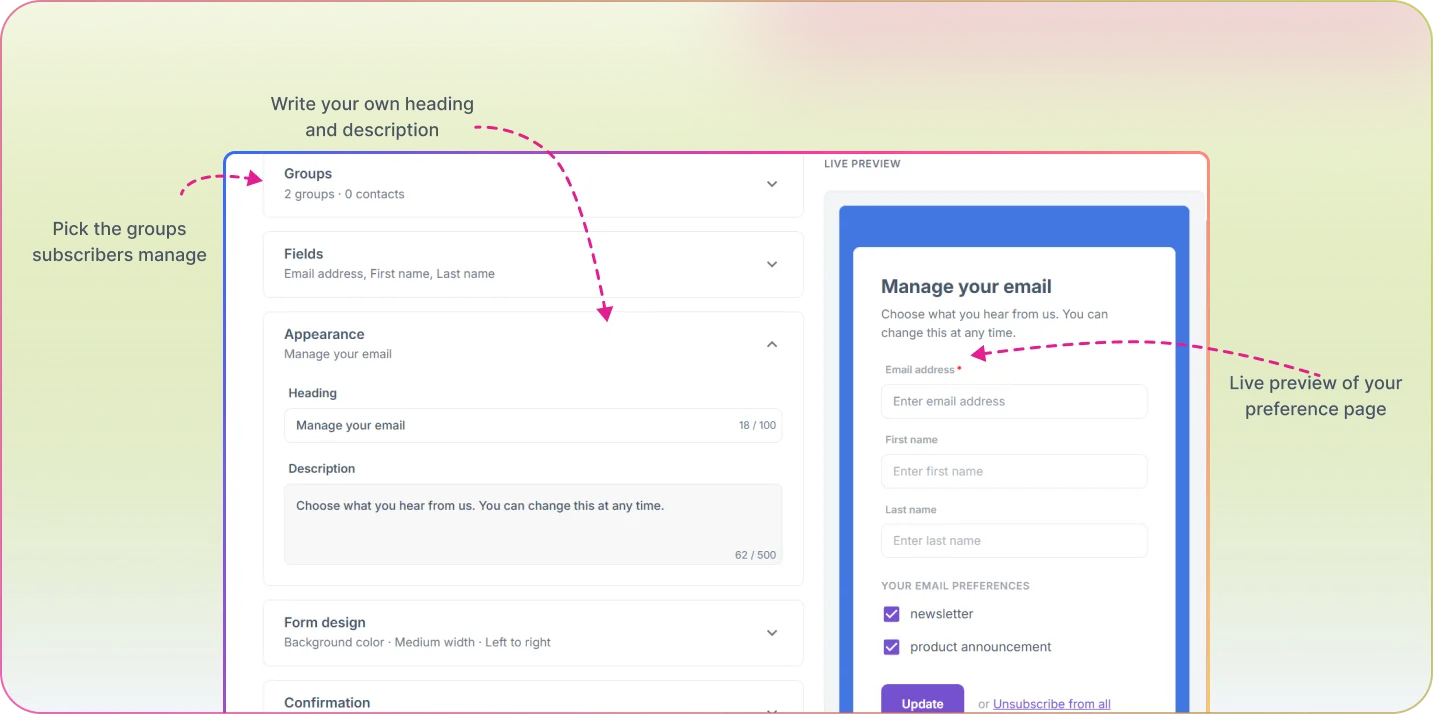
Create preference centers that let subscribers pick the groups they want to hear from and keep their details up to date. Build one for each team or audience, then choose which one each campaign uses, so subscribers always see choices that make sense for the email in front of them.
How It Works
Set Up Your Preferences
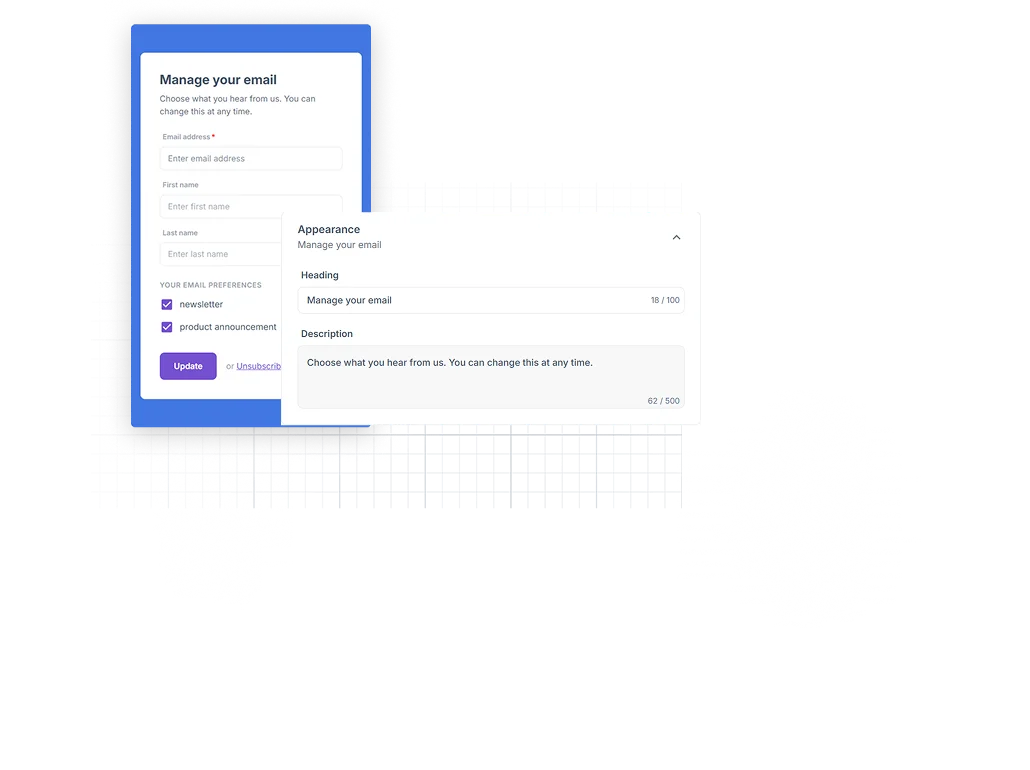
Choose the groups subscribers can join or leave, the details they can update, and whether they can unsubscribe from everything in one step.
Pick One for Each Campaign
Choose which preference center a campaign or automation email links to, or let it use the campaign owner's latest one.
The Link Is Added for You
Mailzzy adds an Unsubscribe / Manage preferences link to your email footer, or you can place the link anywhere with a merge tag.
Subscribers Choose
Subscribers pick the emails they want to keep receiving, without unsubscribing from everything.
Applications & Examples
Universities and Schools
Give each department its own preference center, so students, alumni and parents choose which department emails they receive.
Organizations with Many Teams
Let each team offer its own subscription choices, and pick the right preference center for every campaign they send.
Publishers and Newsletters
Let readers pick the newsletters they want, so fewer people unsubscribe from everything.
Your Preference Center Questions, Answered
Have questions about subscription preferences in Mailzzy? Here are quick answers.
What can subscribers choose?
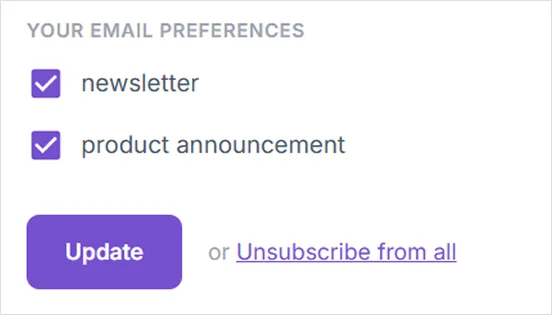
They can join or leave the groups you offer, update the contact details you allow, and, if you turn it on, unsubscribe from all emails in one step.
Can I have more than one preference center?
Yes. Create as many as you need and choose which one each campaign uses.
Do I need to add the link to my emails?
No. Mailzzy adds an Unsubscribe / Manage preferences link to your email footer automatically. You can also place the link yourself with a merge tag.
Why use a preference center?
Subscribers who can choose what they receive are less likely to unsubscribe completely or mark your emails as spam.


Let's keep in touch
Sign up for our weekly email marketing newsletter and Mailzzy updates.
For more details, review our Privacy Policy


© 2026 Mailzzy. All rights reserved.

