
Build High-Converting Landing Pages Without Writing Code
Create landing pages with Mailzzy's drag-and-drop builder, publish them in a click, and see how every page performs, all in the same place you run your email campaigns.
Everything You Need to Launch a Page
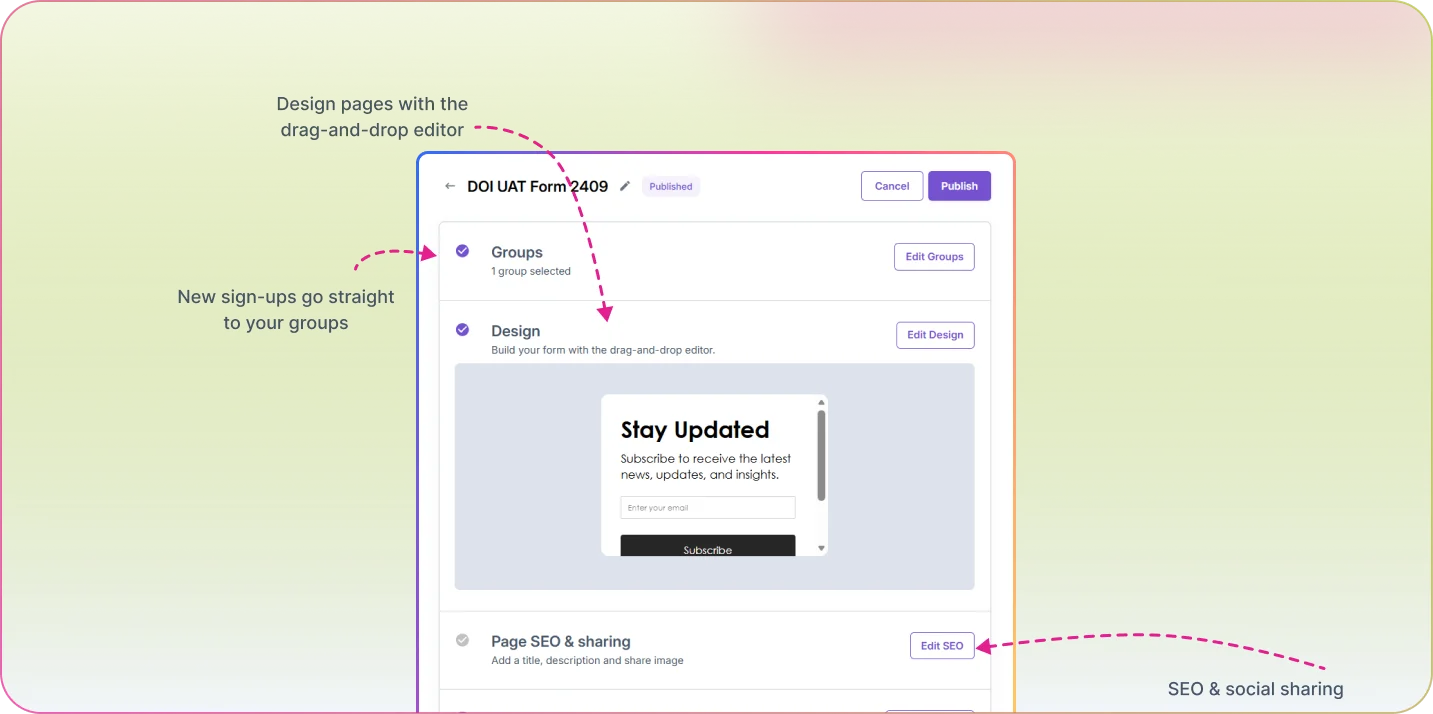
Mailzzy's landing page builder gives you a drag-and-drop editor, a built-in sign-up form and SEO settings, so you can go from idea to live page in minutes. Every sign-up lands in Mailzzy as a contact, and built-in reports show your views, conversion rate and where your visitors came from.
How It Works
Build with Drag and Drop
Drag headings, text, images, buttons and your sign-up form onto the page, and edit everything in place.
Add SEO and Sharing Settings
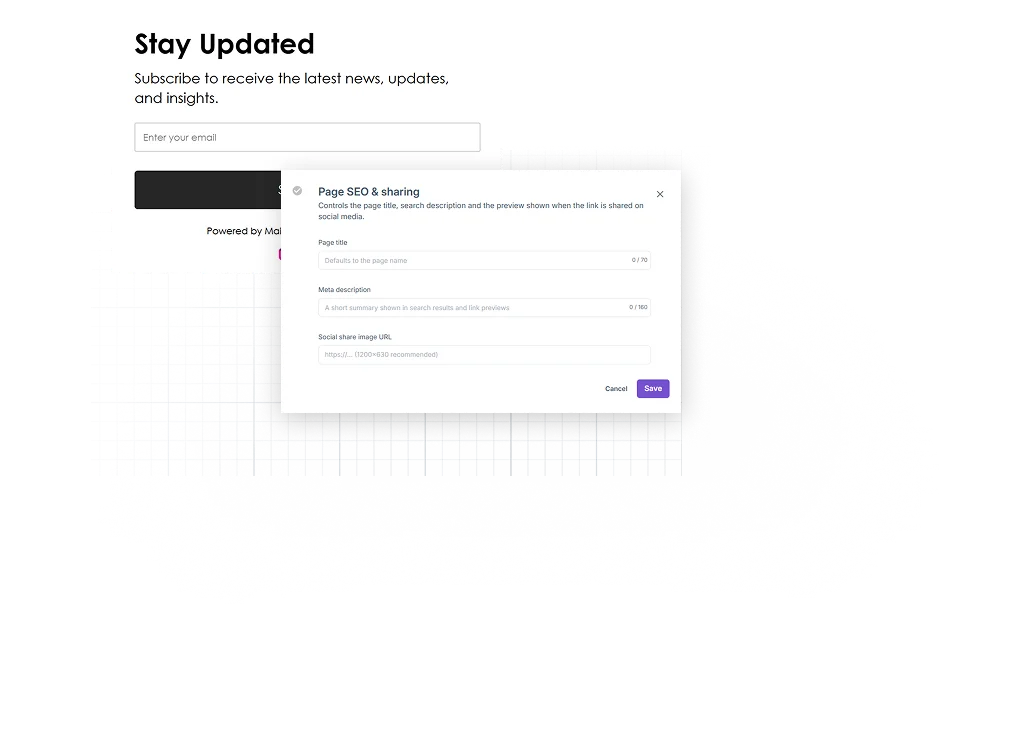
Set a page title, meta description and social share image, so your page looks right in search results and when it's shared.
Publish and Share
Mailzzy hosts your page and gives you a short link to share in your emails, ads and social posts.
Track and Improve
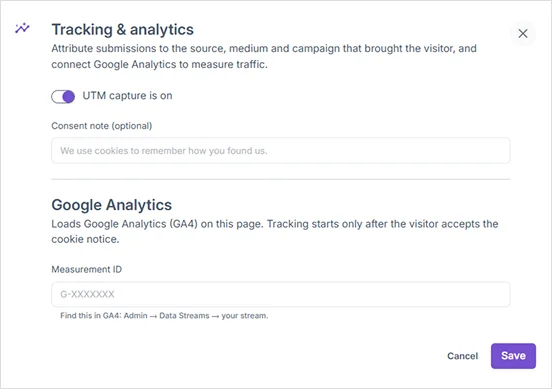
Follow views, submissions, conversion rate and drop-off, see which sources and campaigns bring sign-ups, and add your Google Analytics 4 Measurement ID.
Applications & Examples
Product Launches
Launch a dedicated page for a new product and link to it from your announcement email, so every click lands on a page built for that launch.
Webinar and Event Sign-Ups
Build an event page in minutes, share its link, and see how many visitors sign up.
Lead Magnets
Offer a guide, checklist or discount on a focused page that turns visitors into subscribers.
Your Landing Page Builder Questions, Answered
Have questions about building landing pages in Mailzzy? Find quick answers here.
Where are my landing pages published?
Mailzzy hosts your landing pages for you. When you publish a page, you get a short link to share anywhere.
What happens when someone signs up on my page?
They're added to Mailzzy as a contact, so you can welcome them with an automation or add them to your next campaign.
Can I track how my landing pages perform?
Yes. Every page shows its views, submissions, conversion rate and drop-off rate, and breaks sign-ups down by source, medium and campaign. You can also add your Google Analytics 4 Measurement ID.
Can I control how my page looks in search results?
Yes. Add a page title, meta description and social share image to each landing page.


Let's keep in touch
Sign up for our weekly email marketing newsletter and Mailzzy updates.
For more details, review our Privacy Policy


© 2026 Mailzzy. All rights reserved.

